
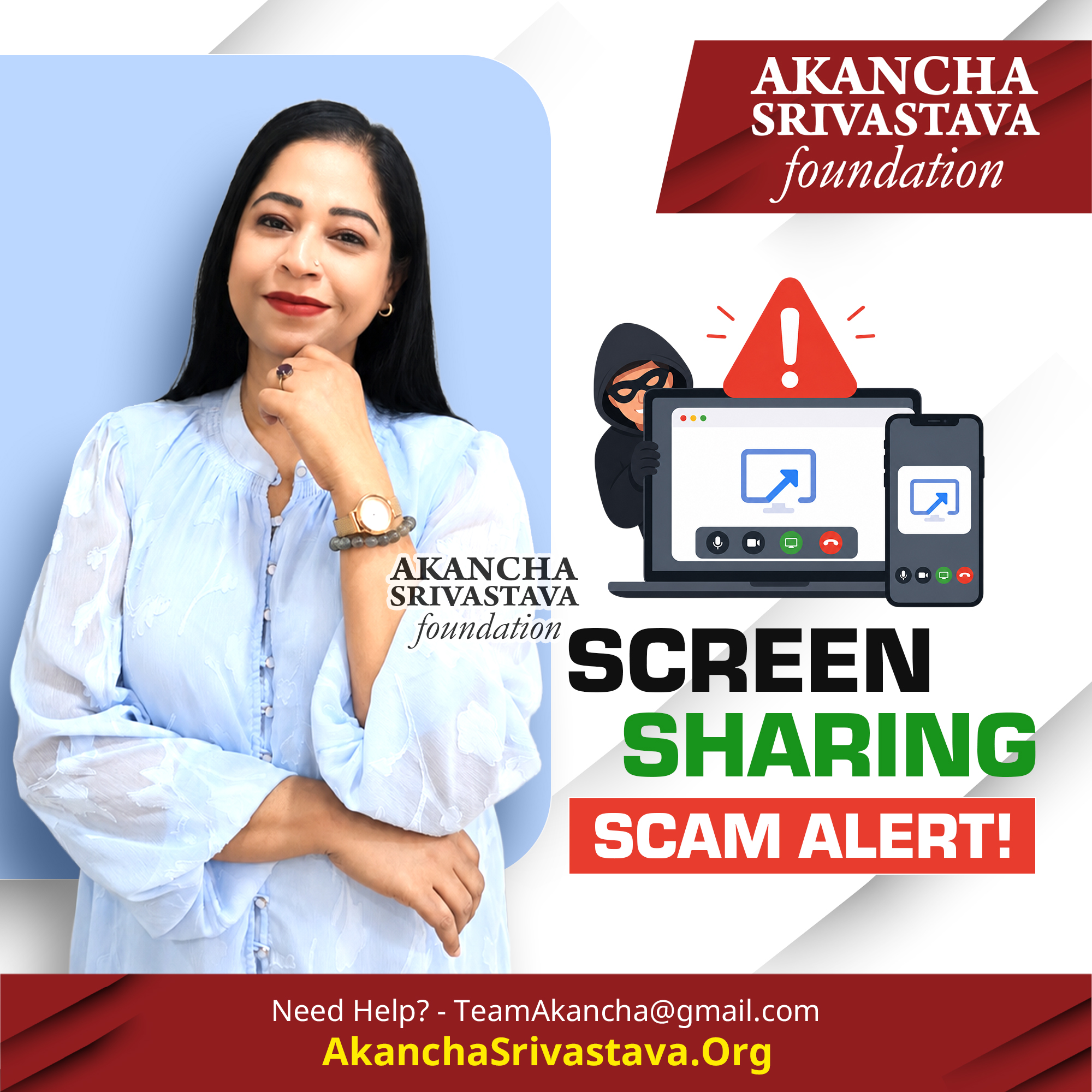
Beware these dangerous screen sharing scams!
A screen sharing scam can give a criminal a live view of everything happening on your phone. That includes your banking app, messages, OTPs, card details, passwords, personal photographs and account notifications.
Scammers often pretend to be bank officials, customer-care executives, delivery agents, investment advisers, police officers or technical-support staff. They may claim that your account is blocked, a refund is pending, suspicious activity has been detected or an urgent verification is required.
They then ask you to download a screen-sharing or remote-access application. Once installed, the app may allow them to watch your screen, guide your actions or even control parts of your device.
The scammer may ask you to open your banking application, enter your PIN, check an OTP or complete a small “test transaction.” Since they can see your screen, information that you believe is private may become visible to them instantly.
Some remote-access applications can also allow criminals to read notifications, access files, capture screenshots, record activity or approve transactions while distracting you with instructions. They may keep you on the call so that you do not notice banking alerts or suspicious changes.
Warning signs include:
- Someone urgently asking you to download an unfamiliar app.
• A caller requesting screen sharing for a refund or account verification.
• Instructions to open your banking app while screen sharing is active.
• Requests to enter an OTP, PIN, password or card details during the call.
• Pressure to act immediately or keep the call confidential.
• Claims that the process is required by your bank, police or government department.
Banks and legitimate organisations do not need live access to your phone screen to process a refund, verify your identity or resolve a complaint.
If you have already installed a remote-access application:
- Disconnect the internet immediately.
• End the call and close the application.
• Uninstall the app and remove its permissions.
• Change important passwords from a different, trusted device.
• Contact your bank and block suspicious transactions.
• Review account activity and active device logins.
• Report the incident to the appropriate cybercrime authority.
Never share your screen while opening banking apps, reading OTPs, entering passwords or accessing private documents. What appears to be technical assistance can become direct access to your digital and financial life.
🔔 Subscribe for more cyber safety insights!
👍 Like, share and comment to spread awareness.
📢 Spread awareness, SHARE this video to protect users from online harm.
🔹 Follow for expert cyber safety insights from the Akancha Srivastava Foundation. Together, we build a safer online world.
Stay Aware, Stay Safe.
Jai Hind, Jai Bharat.
CONTACT US:
Website: www.AkanchaSrivastava.Org
Email: TeamAkancha@gmail.com
Twitter: @AkanchaS
Instagram: @akanchas
https://www.instagram.com/akanchas/
Facebook:
https://www.facebook.com/akanchasrivastava1
LinkedIn:
https://www.linkedin.com/in/akanchasrivastava/
ABOUT ‘AKANCHA SRIVASTAVA FOUNDATION’
The Akancha Srivastava Foundation is India’s leading social impact initiative dedicated to advancing cyber safety awareness and education. Established in February 2017, this not-for-profit Section 8 organization is a trusted voice in promoting safe online practices across the nation.
Distinguished Board of Advisors
Guided by an honorary advisory board of esteemed leaders:
- Former Special DGP RK Vij (Chhattisgarh Police)
- ADG Navniet Sekera (Uttar Pradesh Police)
- ADG Krishna Prakash (Maharashtra Police, Emeritus)
- Dr. Poonam Verma (Principal, SSCBS, Delhi University)
Our Mission
The Foundation is committed to educating, empowering, and building bridges between the public and authorities on critical cyber safety issues. Additionally, we specialize in forensics training for law enforcement, equipping them with the skills needed to tackle cybercrime effectively.